Remove the background
Choose a JPG, PNG or WebP up to 20 MB. Select several images to process a batch on your device.
Cut out people and products in your browser. Refine the edges, then save a transparent PNG or add a solid background.
Drop or paste it here
Processed on your device without an upload
Up to 10 images, processed sequentially. Set batch resolution before choosing images. Memory safety may stop oversized batches.
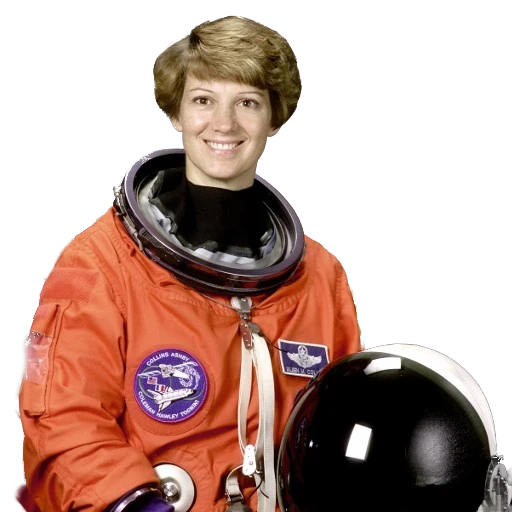
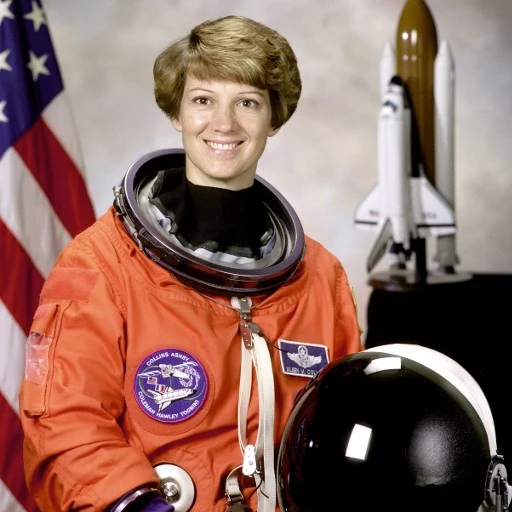
Two synchronized previews
Waiting for images
Up to 10 images, processed sequentially. Set batch resolution before choosing images. Memory safety may stop oversized batches.
Choose a JPG, PNG or WebP up to 20 MB. Select several images to process a batch on your device.
Switch between light and dark previews. Erase leftover background or restore a missing part of the subject.
Choose PNG for transparency or JPG for a fixed backdrop. Free exports reach up to 4K within the original dimensions and memory limits.
Learn to refine hair and clothing, edit product photos and export transparent files.
Remove a product background, add a white backdrop and check edges and dimensions before uploading to a shop.
Remove a logo backdrop, preserve letters and internal details, and verify transparency before downloading PNG.
Inspect fringe, residue and missing areas, then use brushes, restore and edge refinement for a cleaner cutout.
Removal and editing run in the browser. Selected images stay in your device session while tool files download from the host.
Choose PNG and Transparent, then download the file or use Copy PNG if your browser supports it.
Complete offline setup and wait for the ready message, then test an image after disconnecting.